Have an idea? Share it. Back it. Watch it ship.
UserVote is where you tell us what to build next. Post your ideas, spend your vote credits on the ones that matter most to you, and follow every idea from review to release.
How it works, step by step
Every screen below is the real portal. Scroll to follow one idea from the moment it is posted.
Step 1 of 7
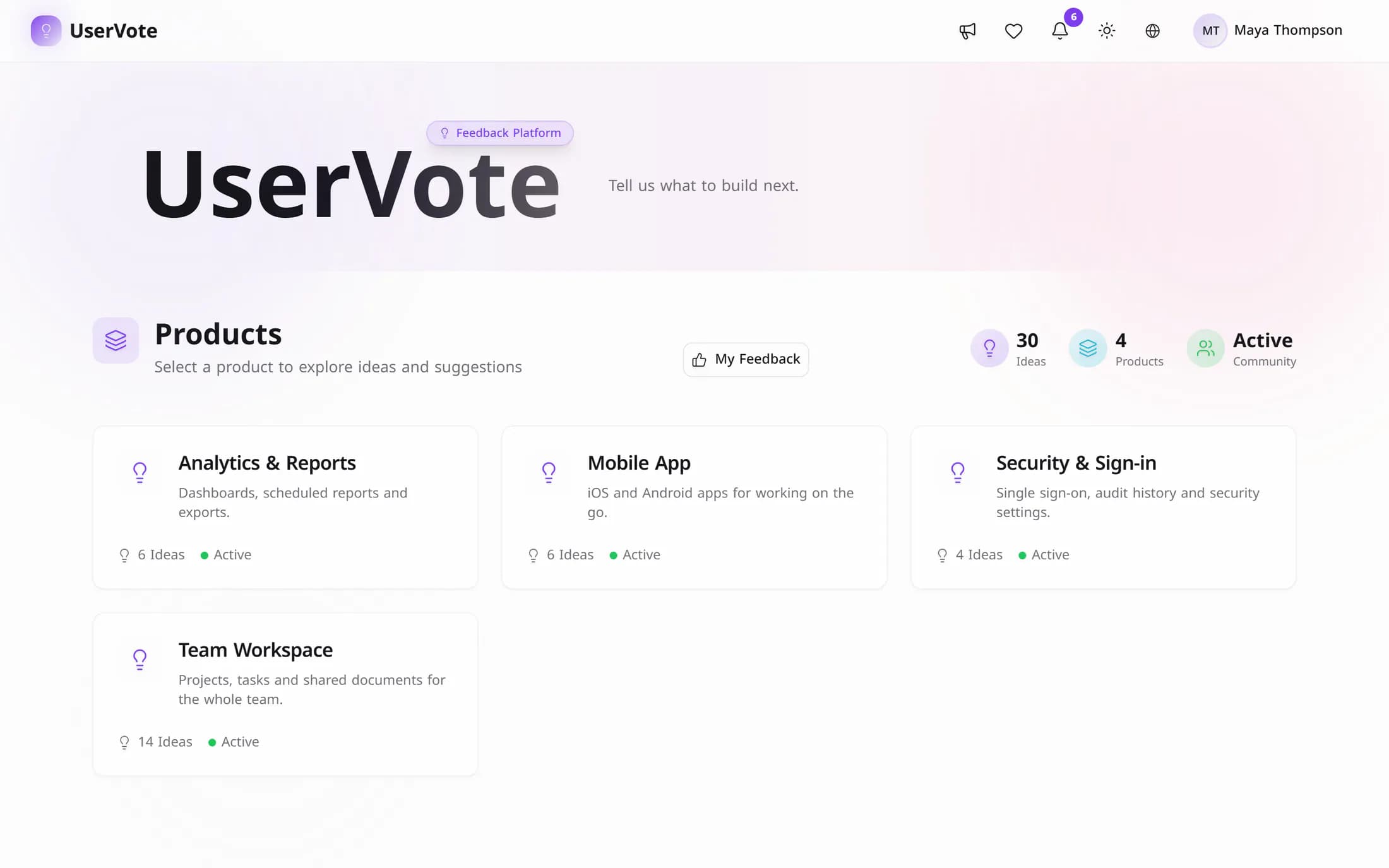
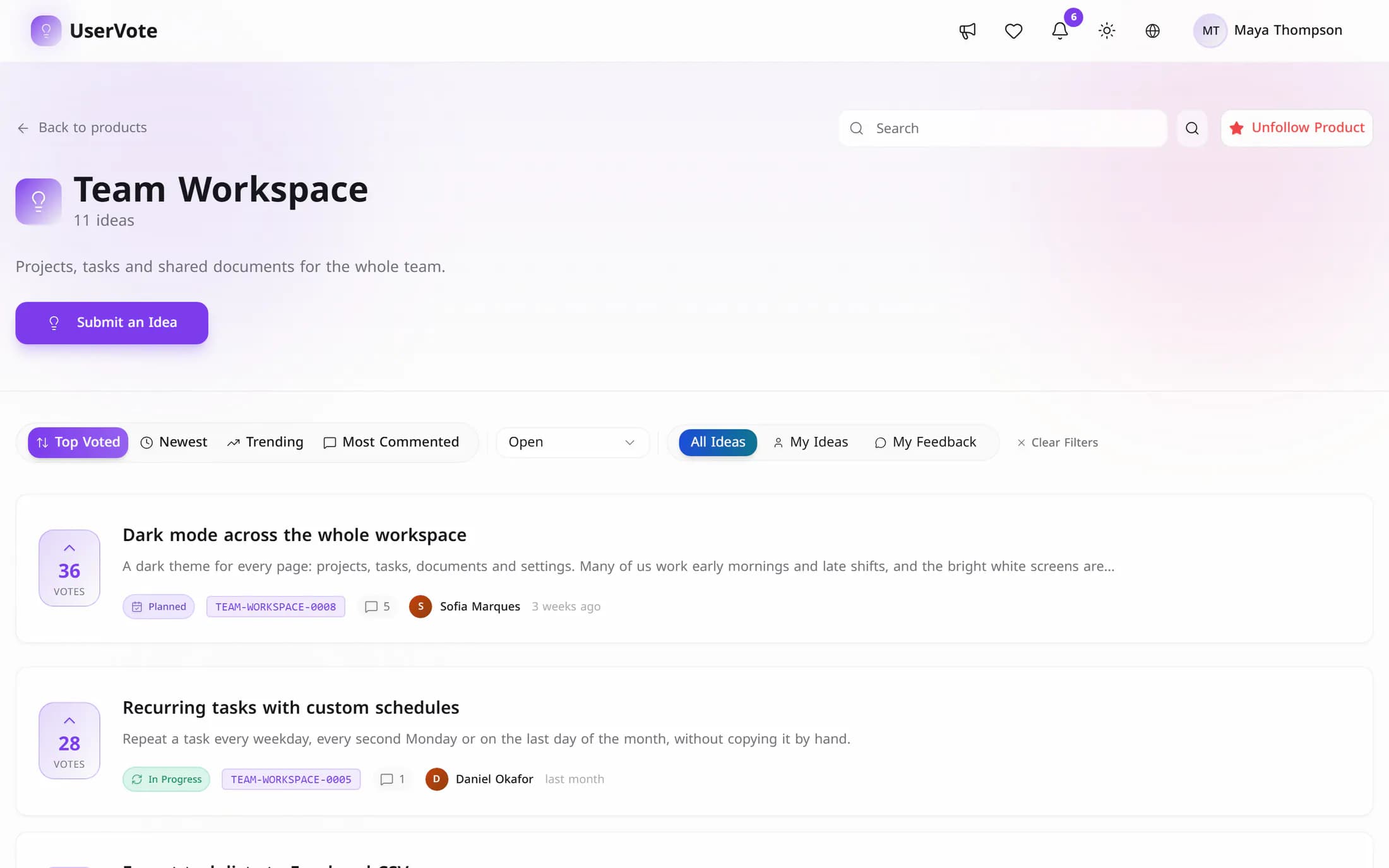
Find the right board
Every product has its own board. Search it, sort by top, trending, newest or most discussed, and filter by status to see what others have already asked for.
Step 2 of 7
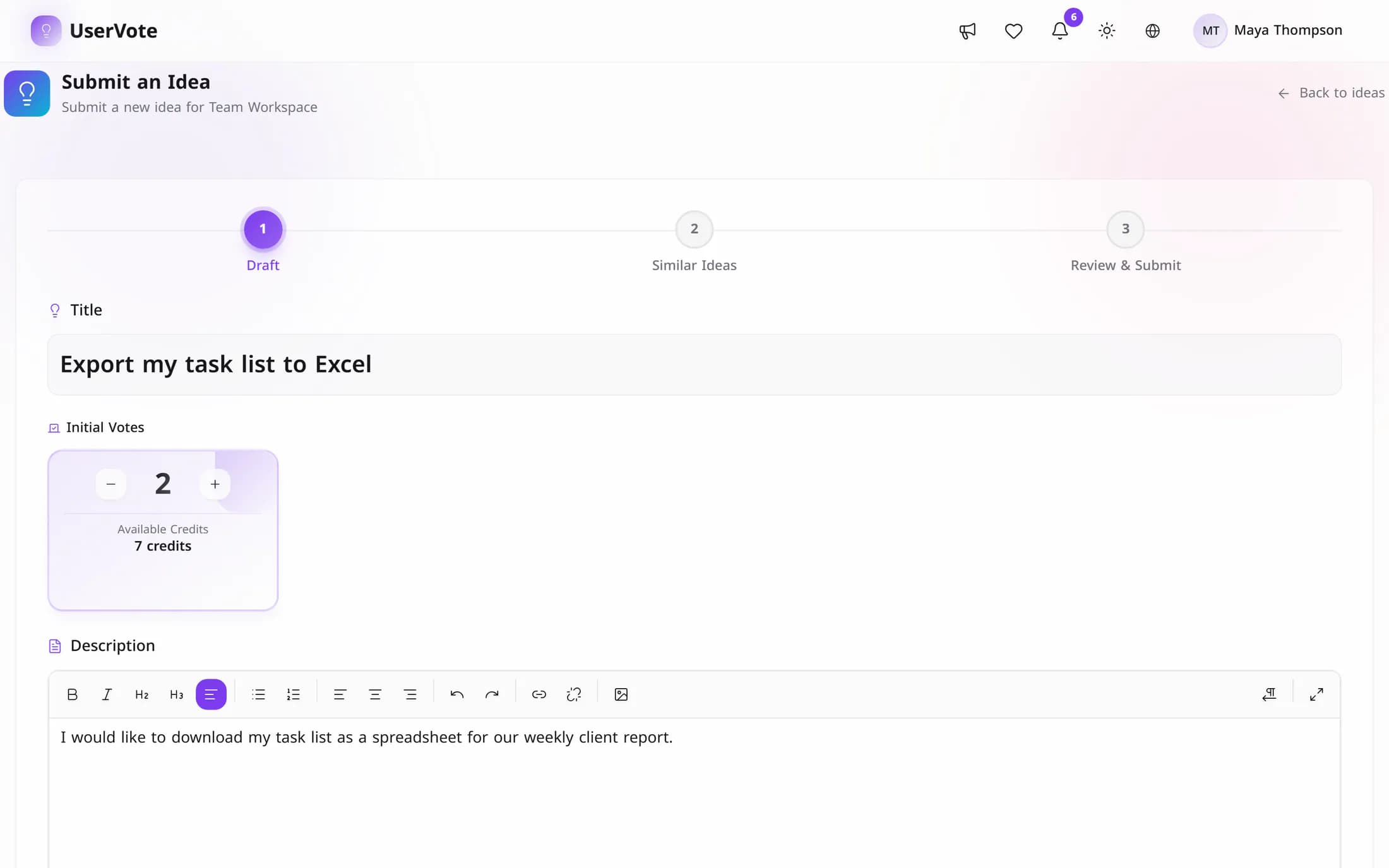
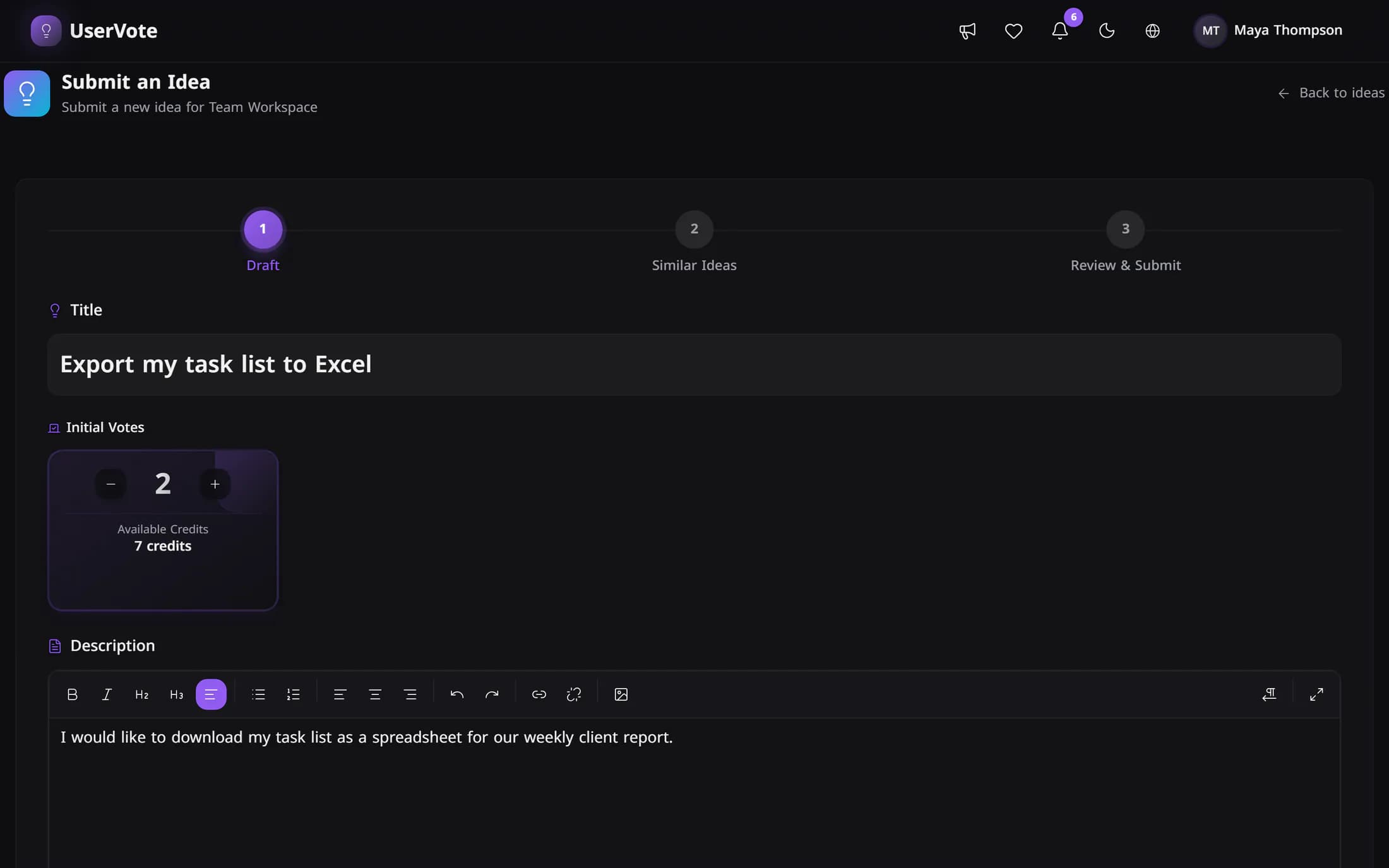
Share your idea
Press Submit an Idea, give it a clear title and describe what you need. You can attach screenshots and put some of your credits behind it right away.
Step 3 of 7
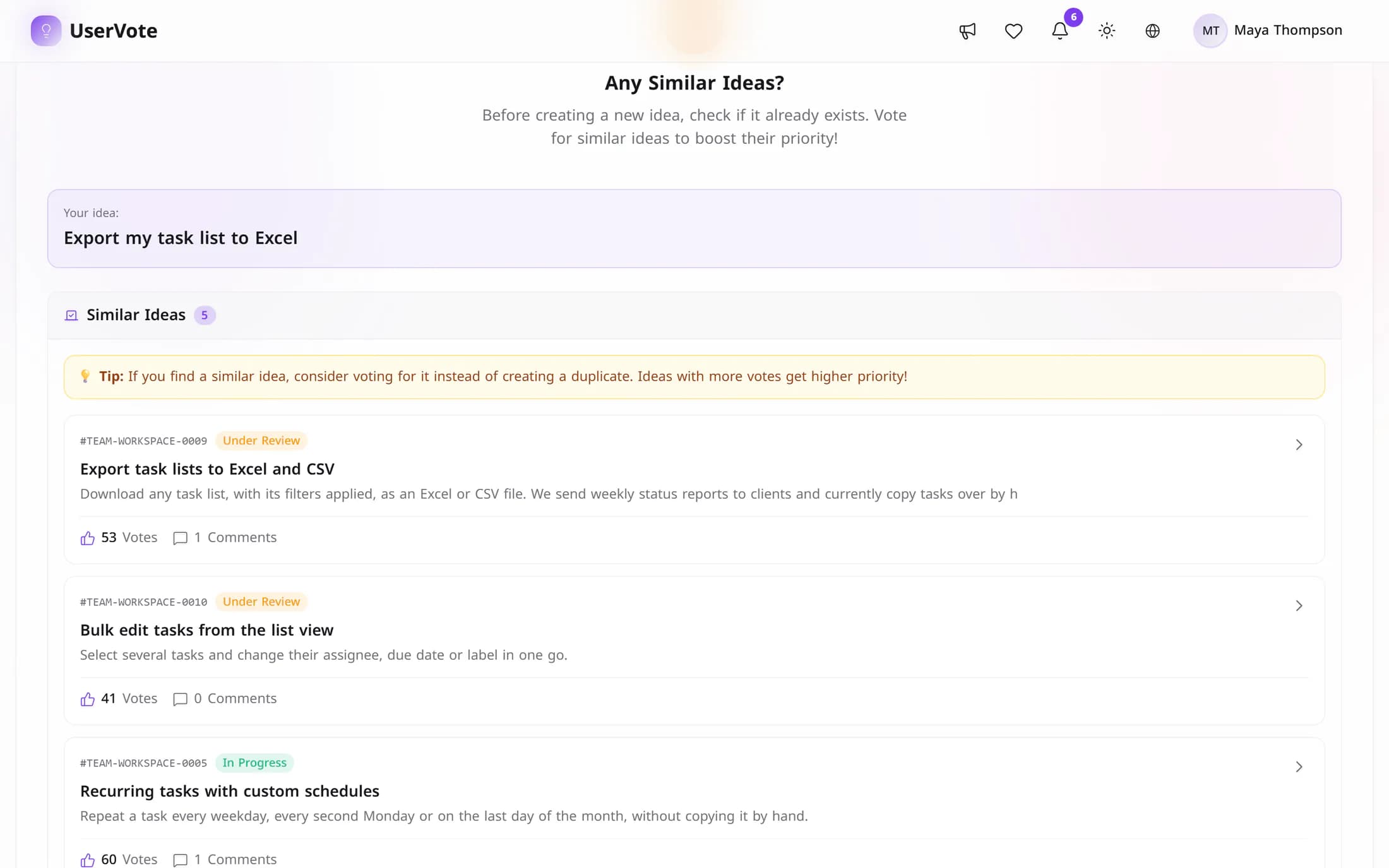
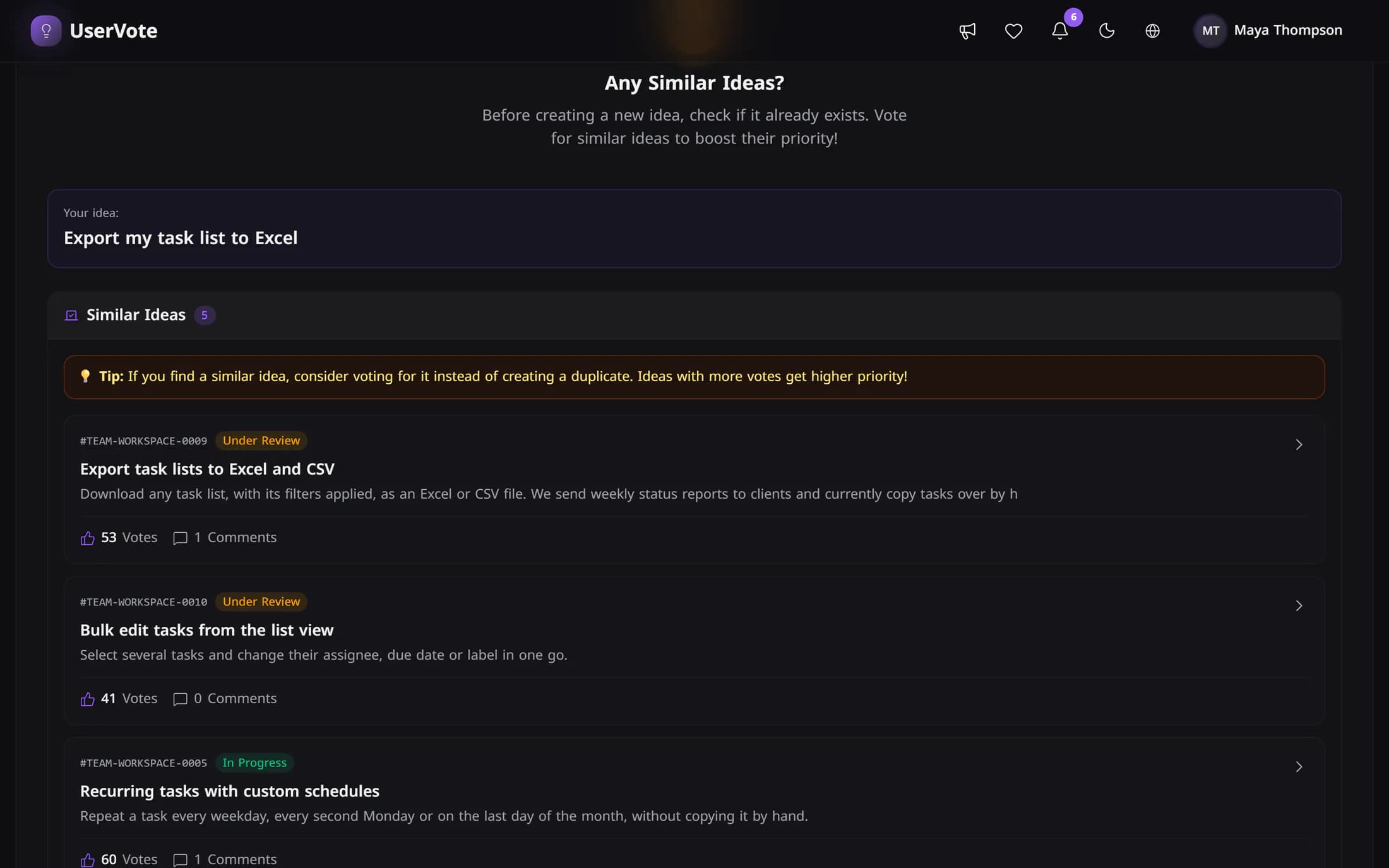
Check for similar ideas
Before you post, the portal shows ideas that look like yours. If one already says what you need, back it instead, so the votes add up in one place.
Step 4 of 7
Vote with your credits
You have a set number of vote credits. Press plus on an idea to give it a credit, up to the limit for each idea. Press minus to take a credit back and spend it elsewhere.
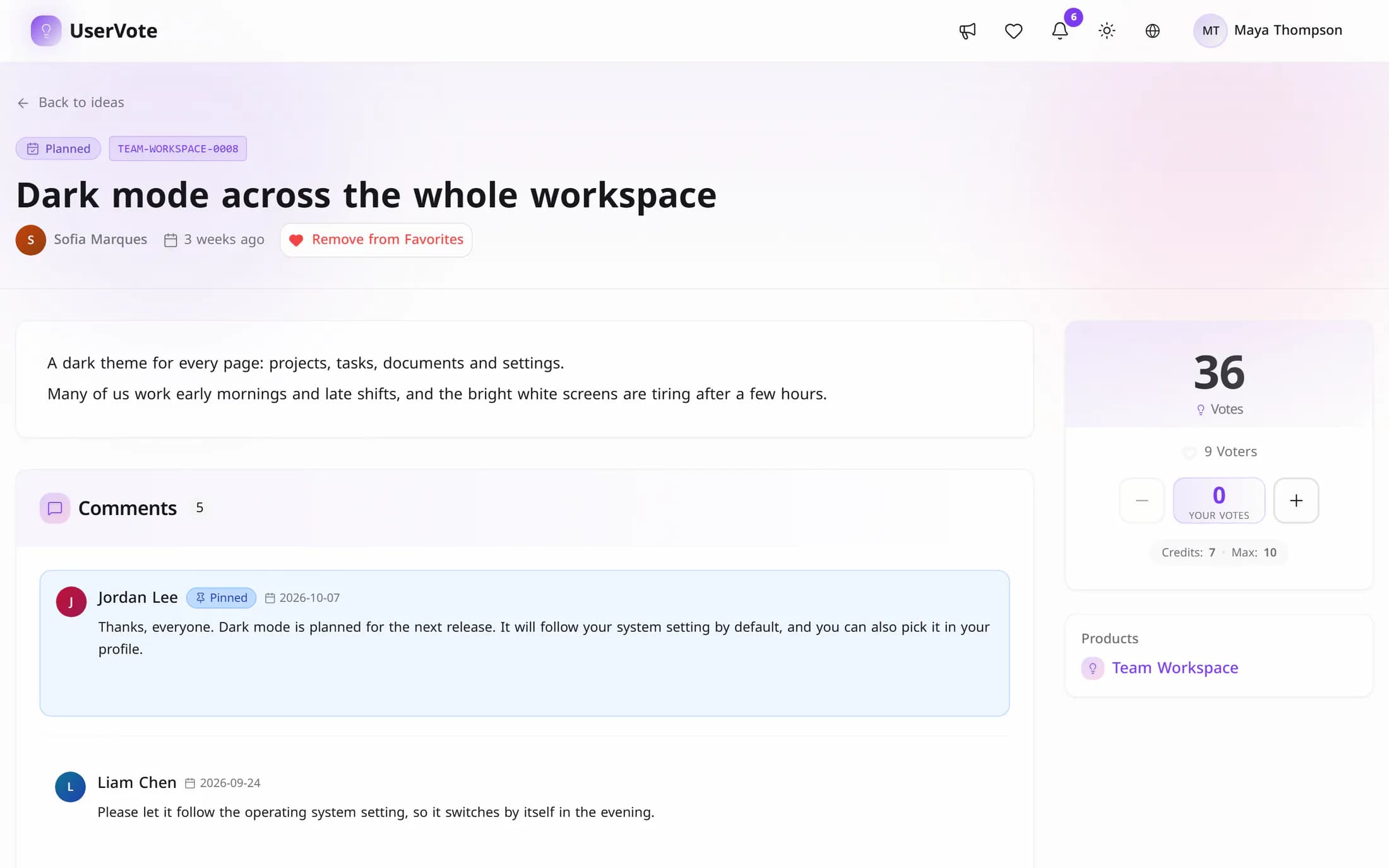
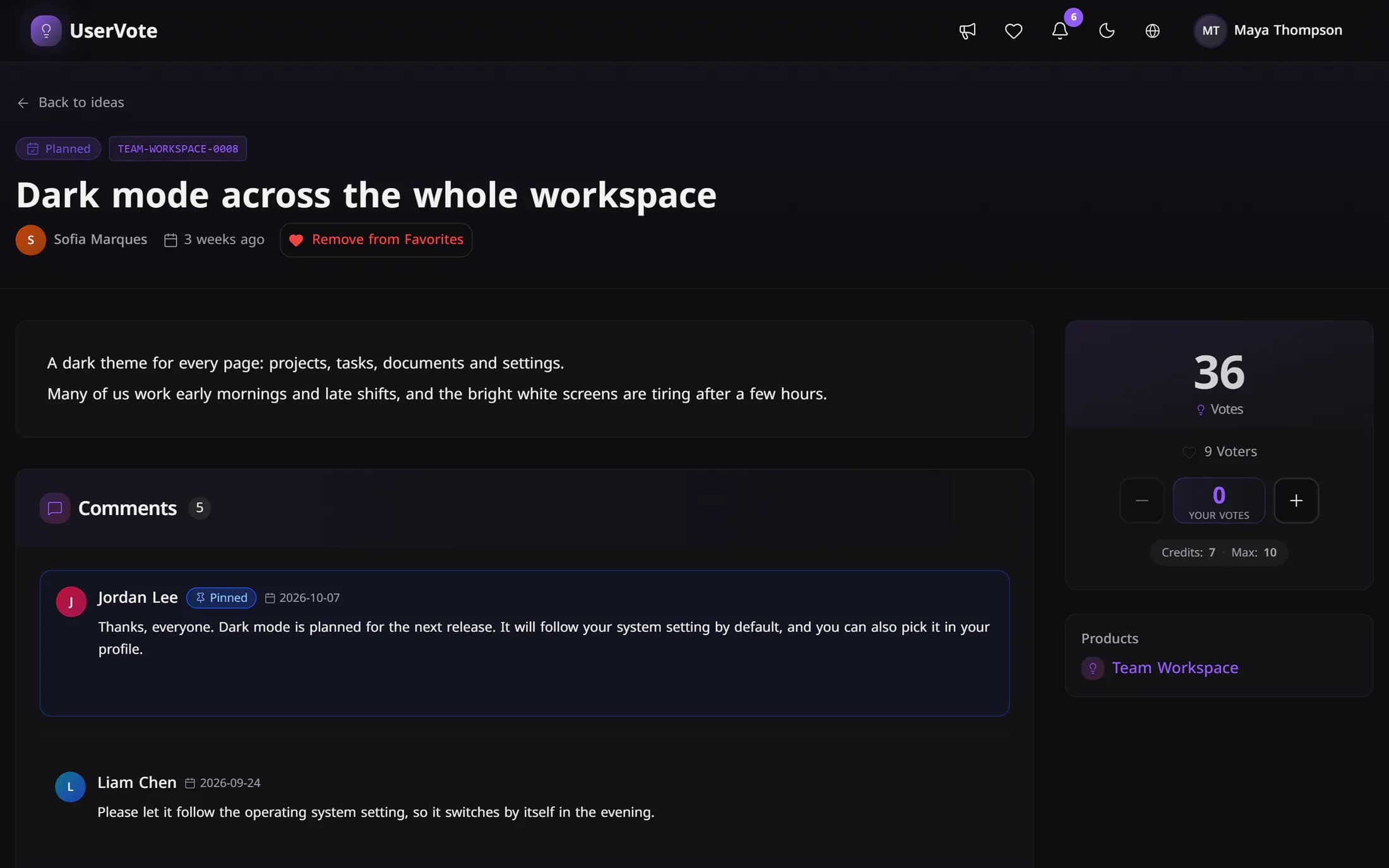
Step 5 of 7
Join the conversation
Comment with text and images. When the product team replies, their latest update is pinned to the top, so the current answer is always first.
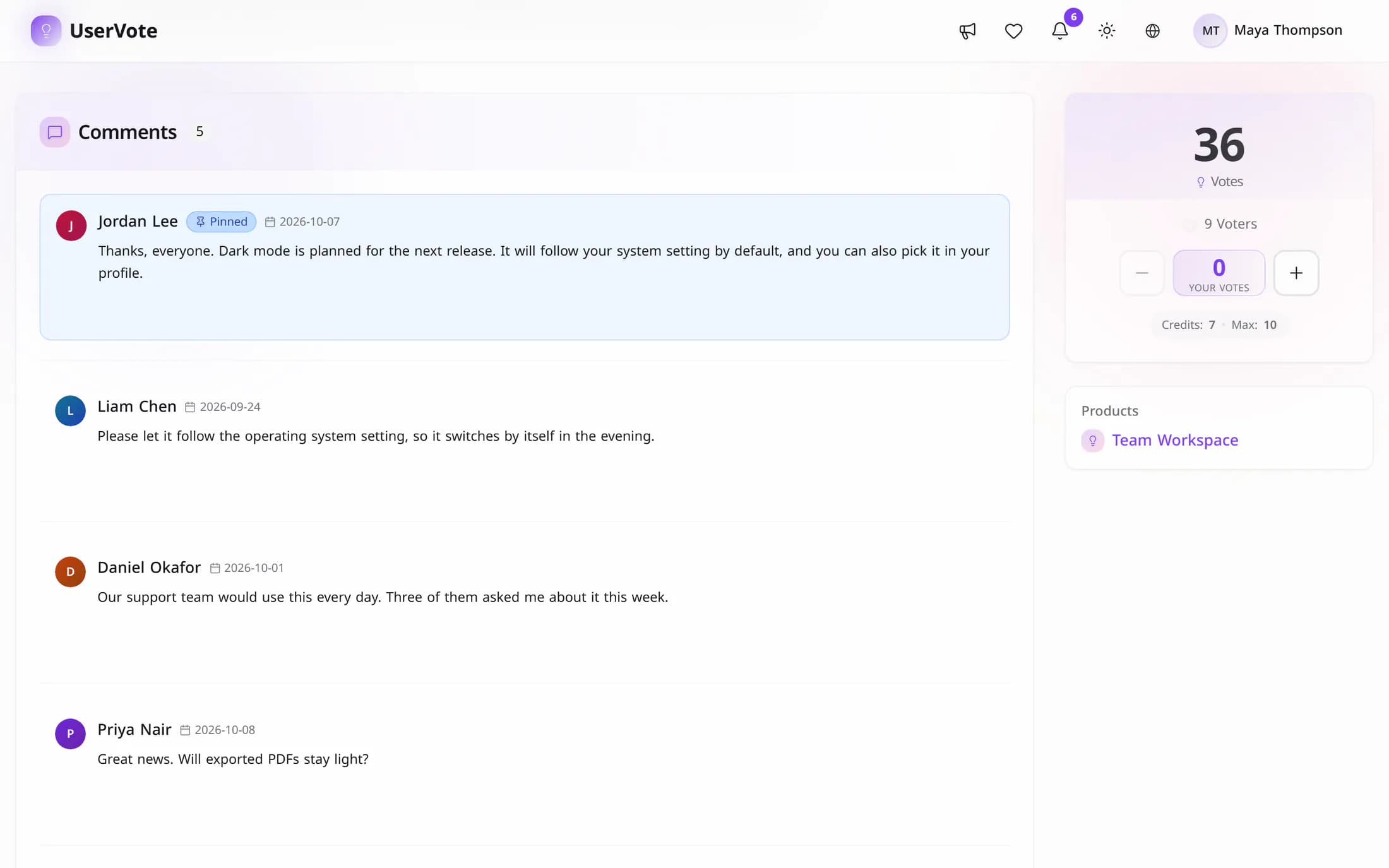
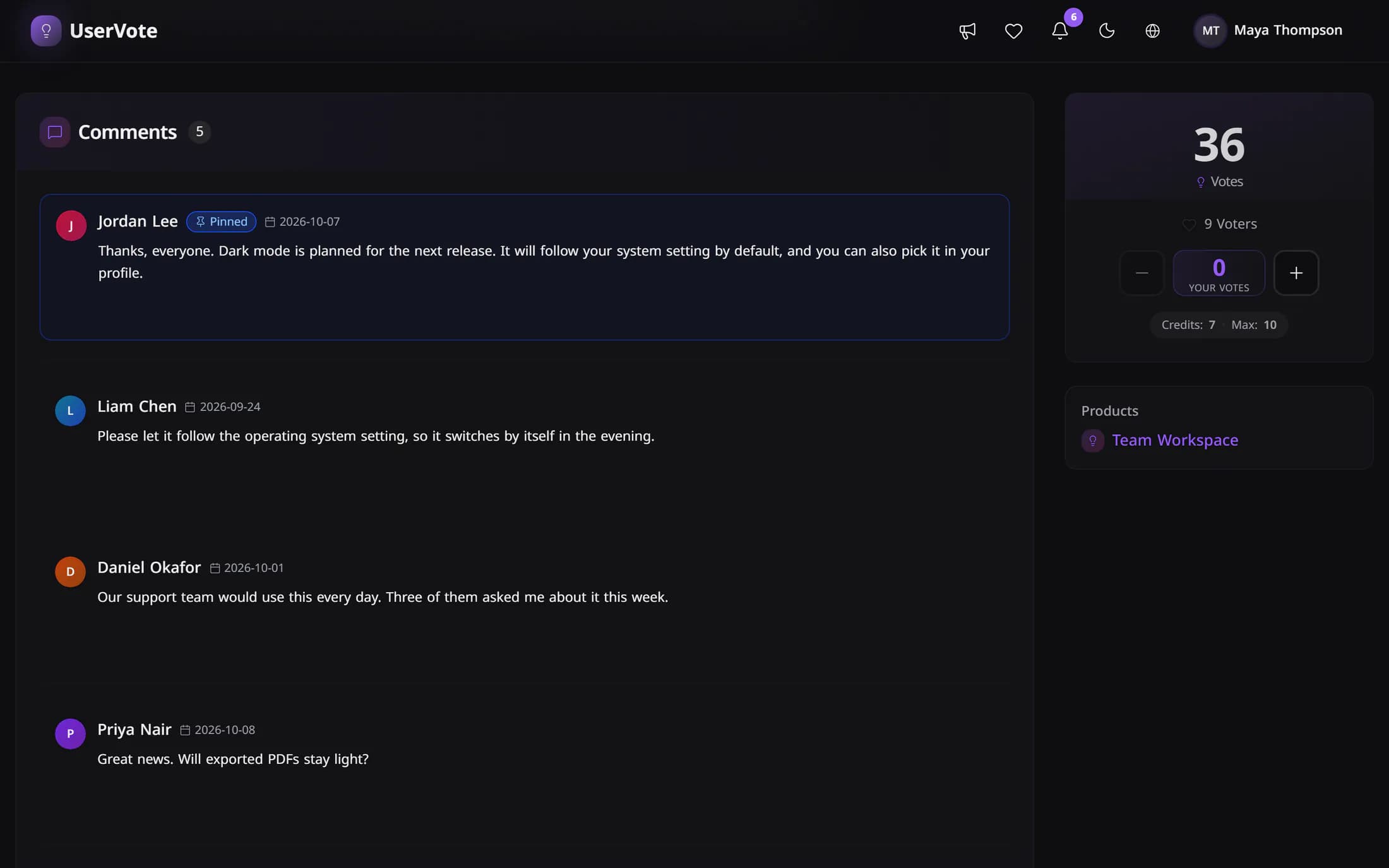
Step 6 of 7
Follow it to release
Every idea shows its status: New, Under Review, Planned, In Progress, then Completed. When an idea is completed or declined, the credits you spent on it come back to you.
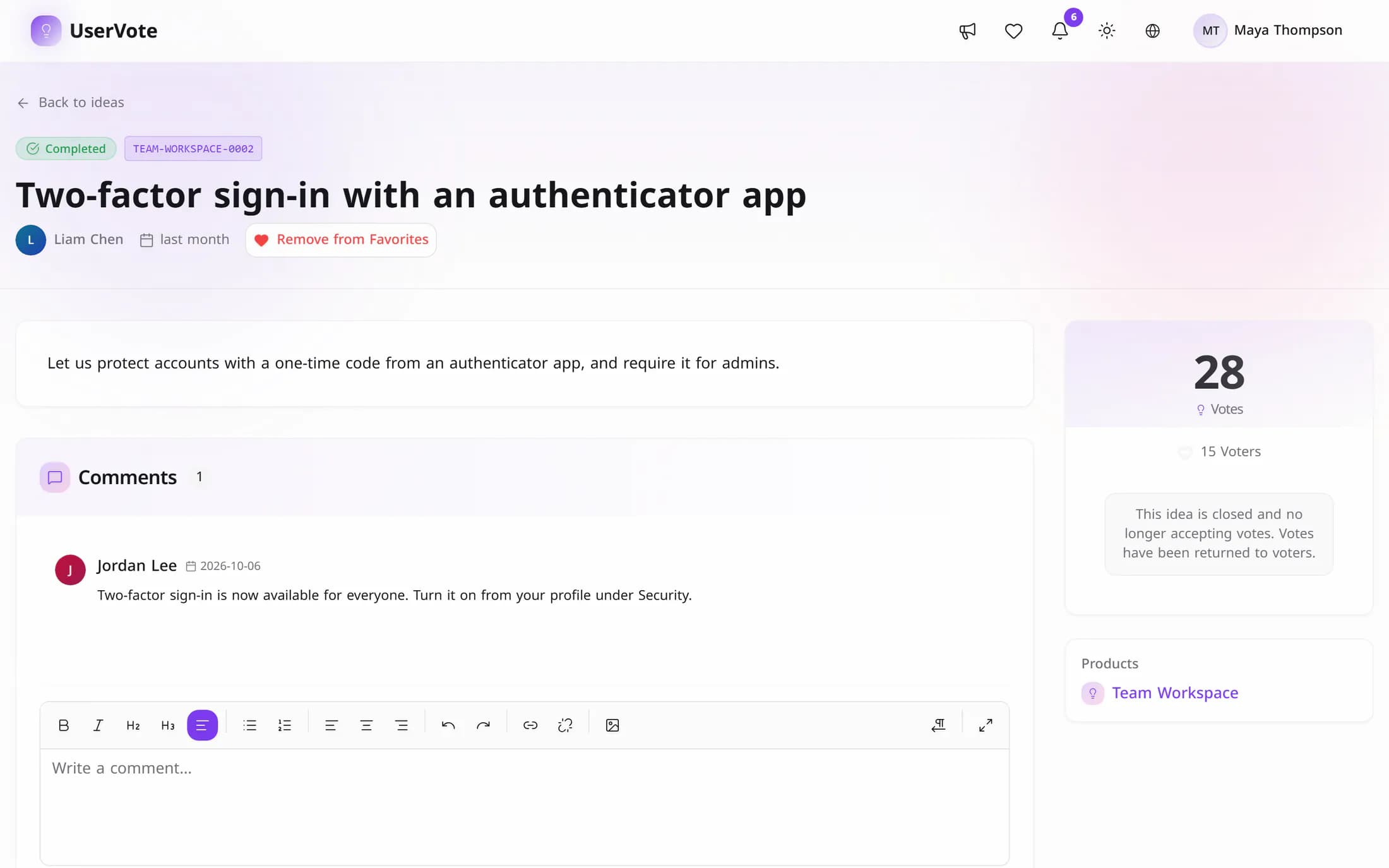
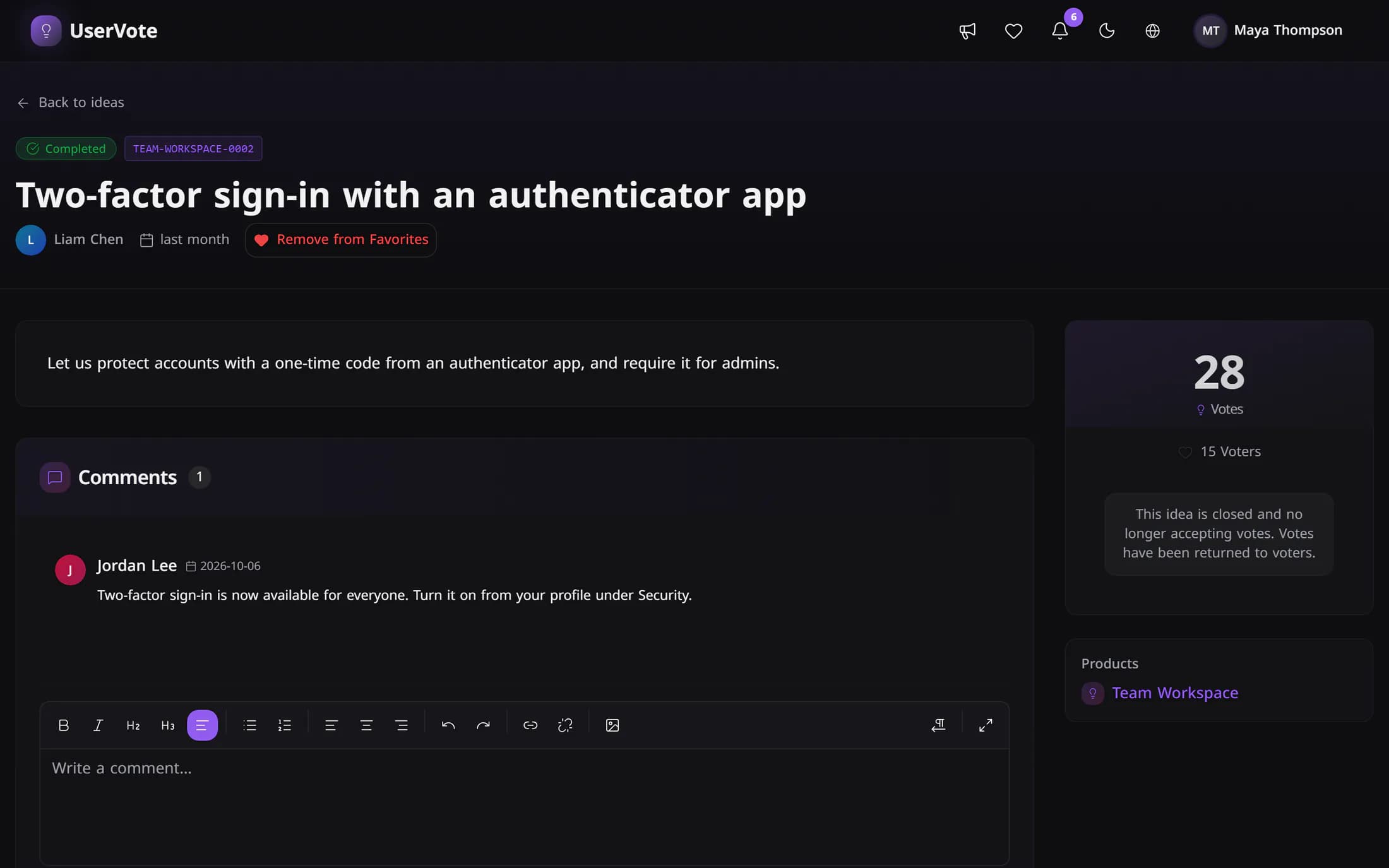
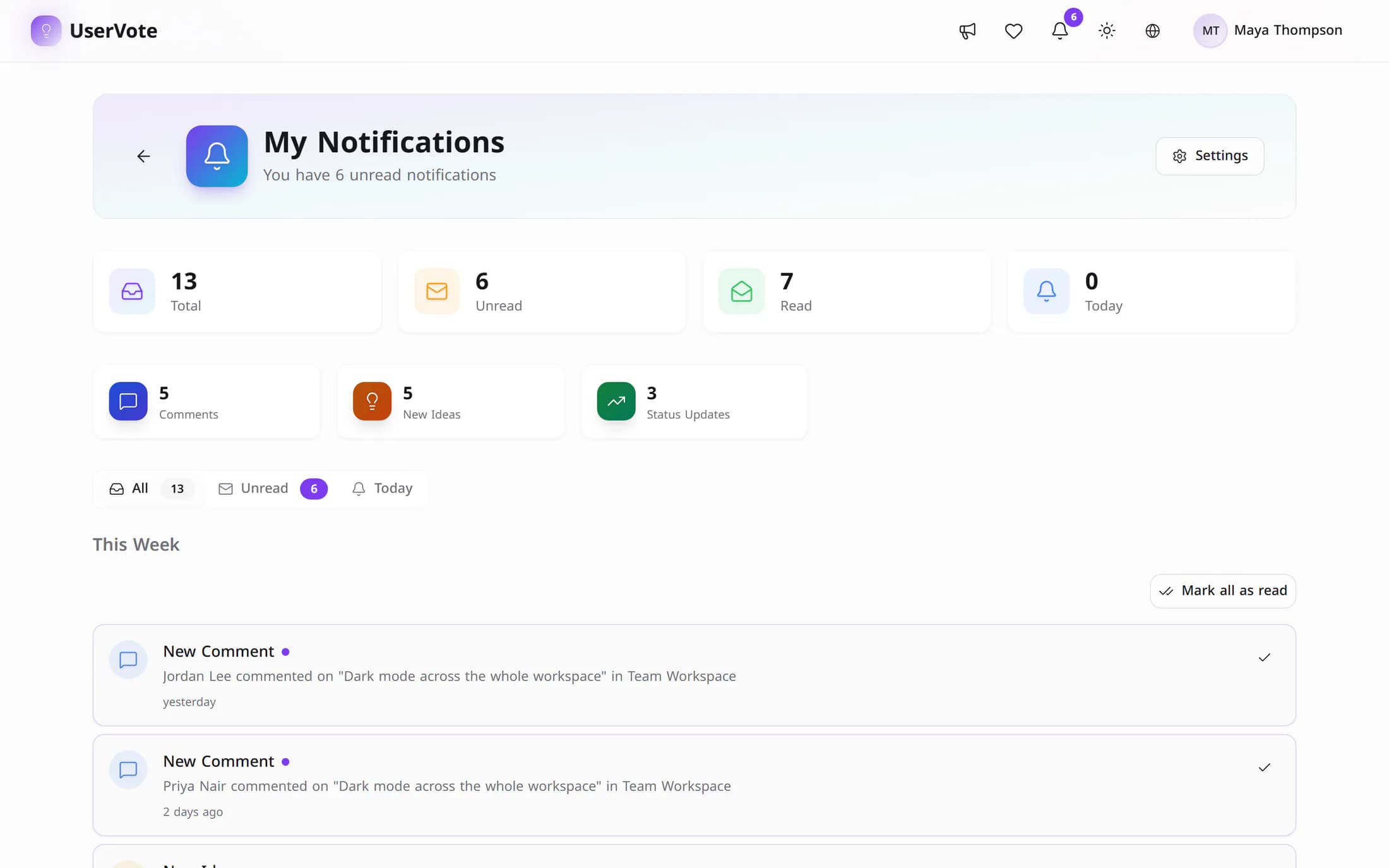
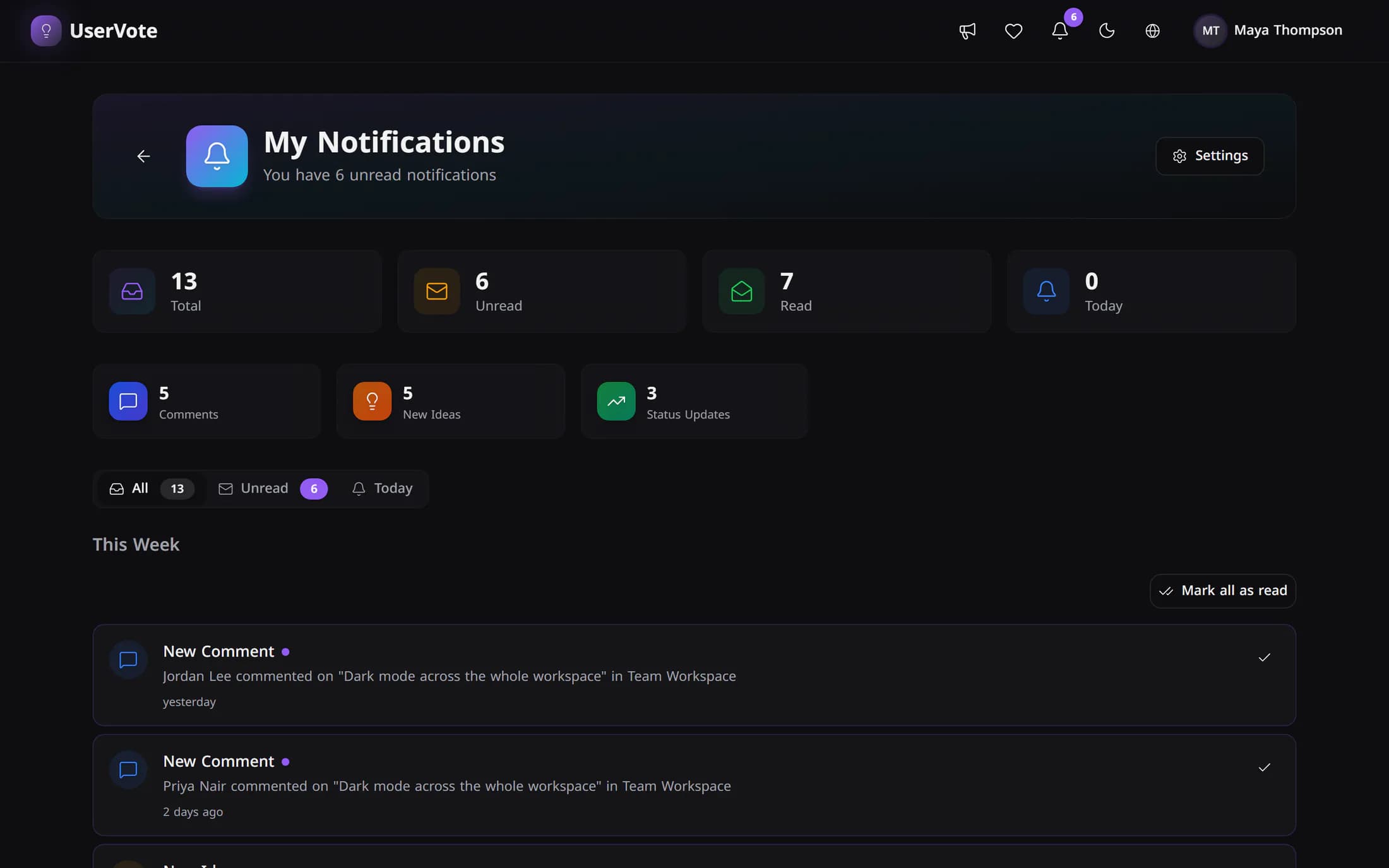
Step 7 of 7
Hear back without asking
Follow products and favorite ideas to be told when something changes, in the app, by email or by push. Choose your channels in your notification settings.
Try it: you have ten credits
Spend credits on the ideas you want most. The more credits an idea gets, the higher it ranks. Changed your mind? Take a credit back and use it on another idea.
Each idea can take up to 5 of your credits.
In the portal, your credits also come back when an idea is completed or declined.
- Dark mode across the whole workspace14 votes0 of yours
- Export reports to Excel12 votes0 of yours
- Two-factor sign-in9 votes0 of yours
- Offline mode for the mobile app7 votes0 of yours
Use it in your language
The portal works in ten languages, and Arabic is right to left all the way through, from the menus to the vote box. Switch language from the globe icon at the top of any page.
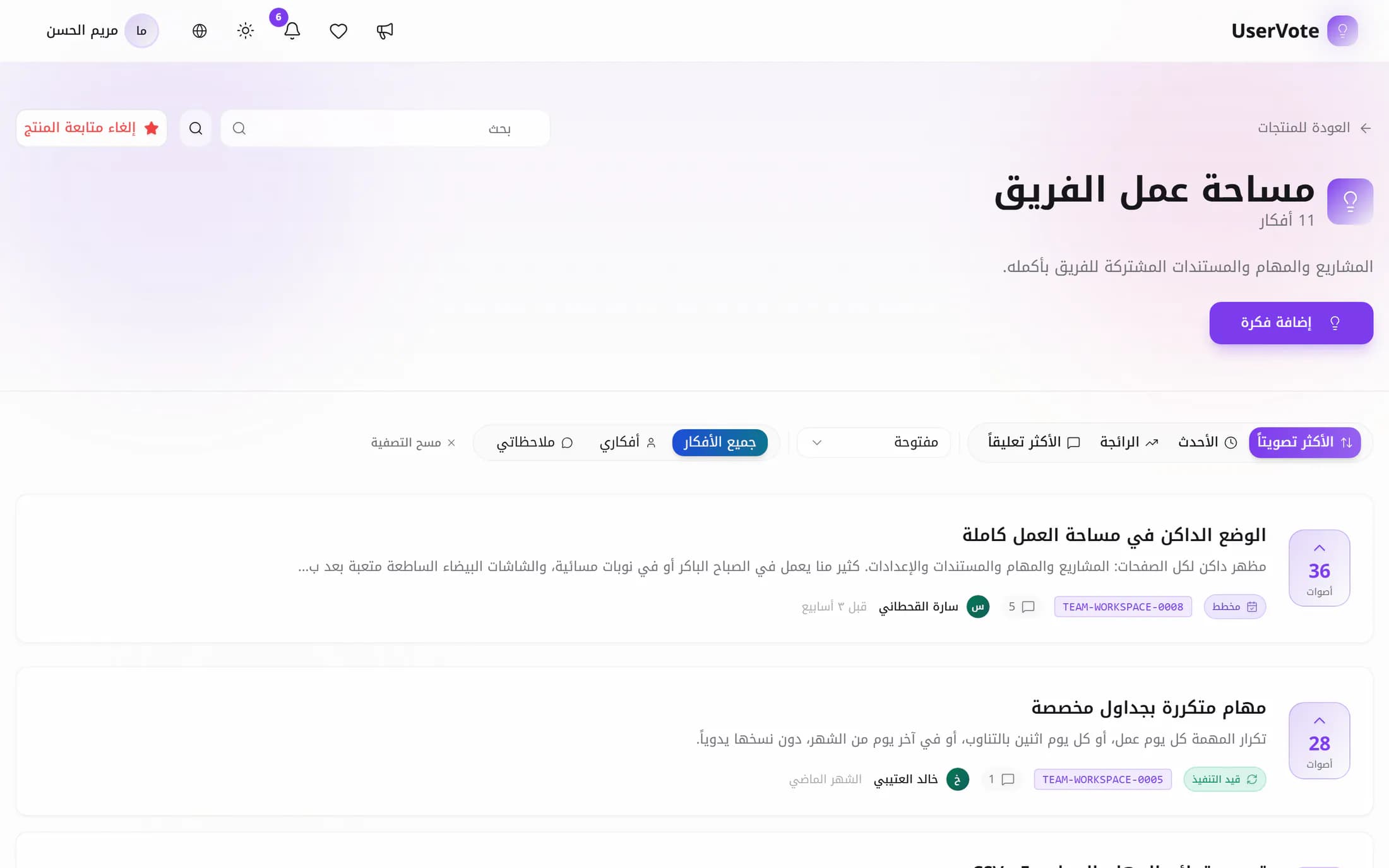
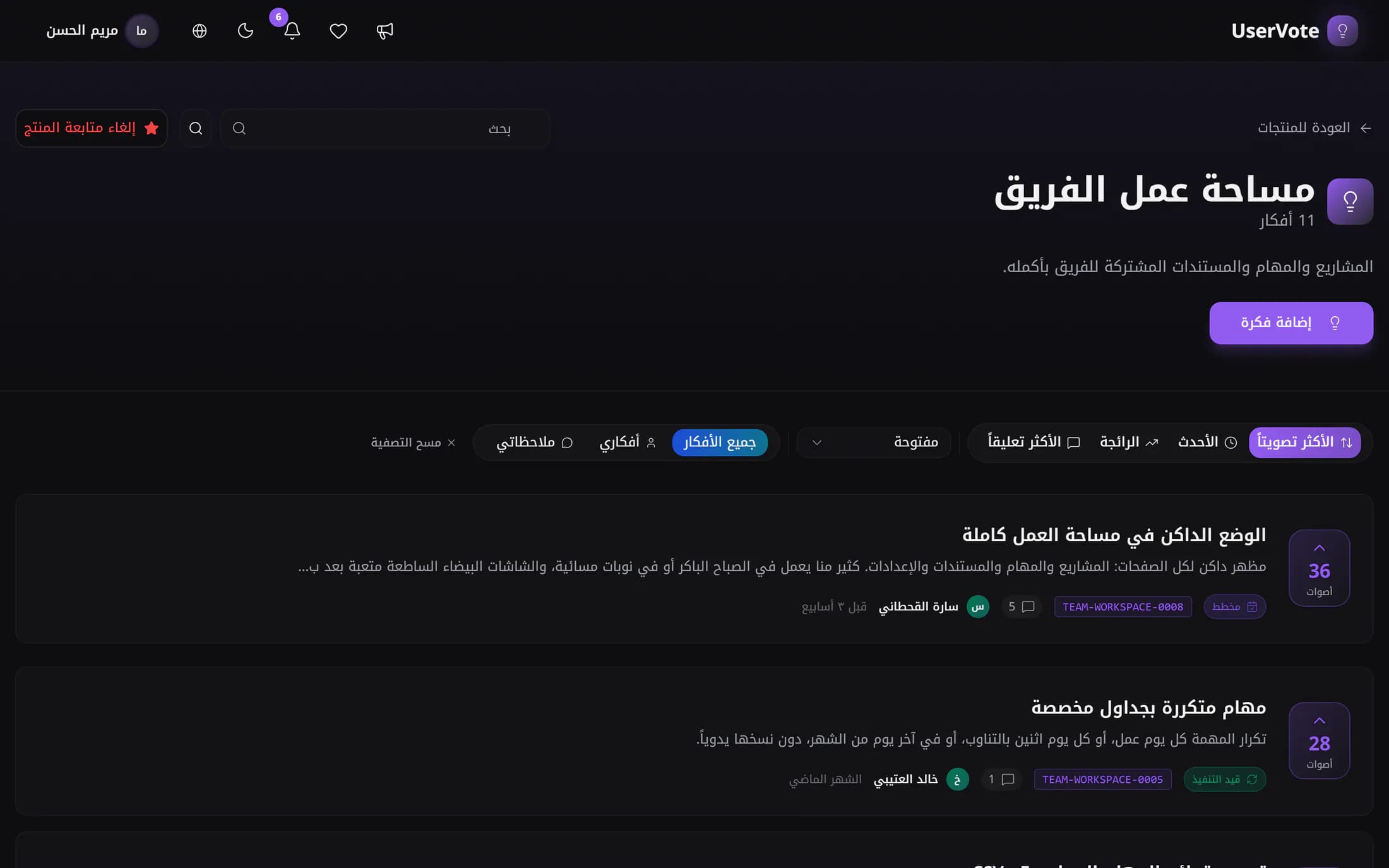
What you can do, and where
Some things only need a browser. Others need you to sign in.
Browse
Read public boards and ideas, no account needed.
Take part
Sign in to post ideas, vote, comment and follow.
Keep track
My Feedback gathers everything you posted, voted on or discussed in one place.
Watch the whole tour
Two minutes from posting an idea to seeing it ship, captioned in English and Arabic. Sound effects only, with no narration or music.
Read the transcriptHide the transcript
Captions are part of the picture. The transcript below has the same text.
- Have an idea? Here is how to share it, back it and follow it.
- Every product has its own board of ideas.
- See what others asked for, ranked by votes.
- Search first. Your idea may already be there.
- To post your own, press Submit an Idea.
- Give it a clear title and describe what you need.
- Put some of your credits behind it right away.
- Before you post, similar ideas appear.
- If one says what you need, back it instead.
- You have a set number of vote credits.
- Press plus to give an idea a credit. Press minus to take it back.
- Spend them on the ideas that matter most to you.
- The product team answers in the open and pins the latest update.
- Add a comment to join the conversation.
- Everyone who follows the idea hears about it.
- Every idea shows its status, from review to release.
- When an idea ships, your credits come back to you.
- You hear back without asking: in the app, by email or by push.
- All your updates wait for you in Notifications.
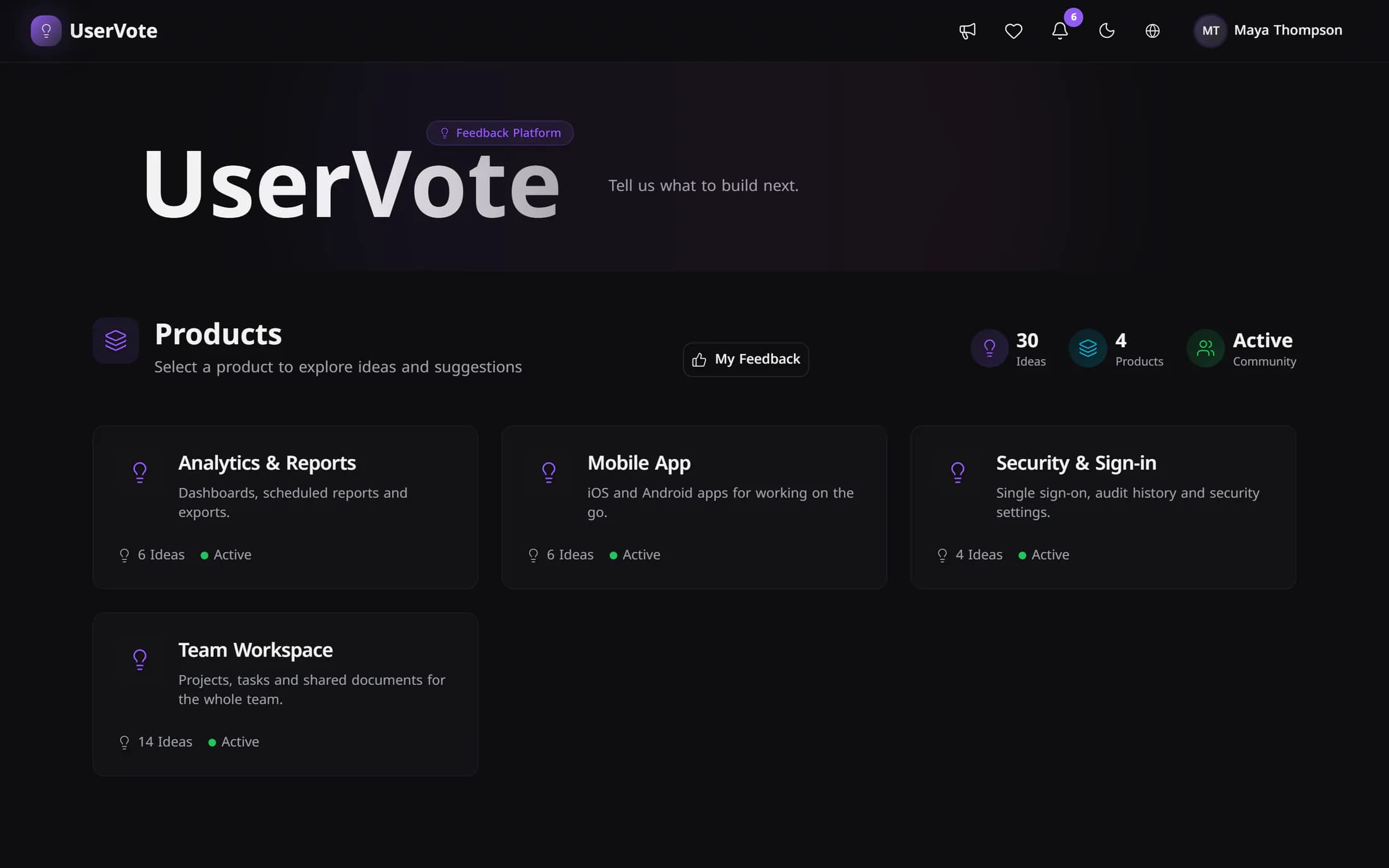
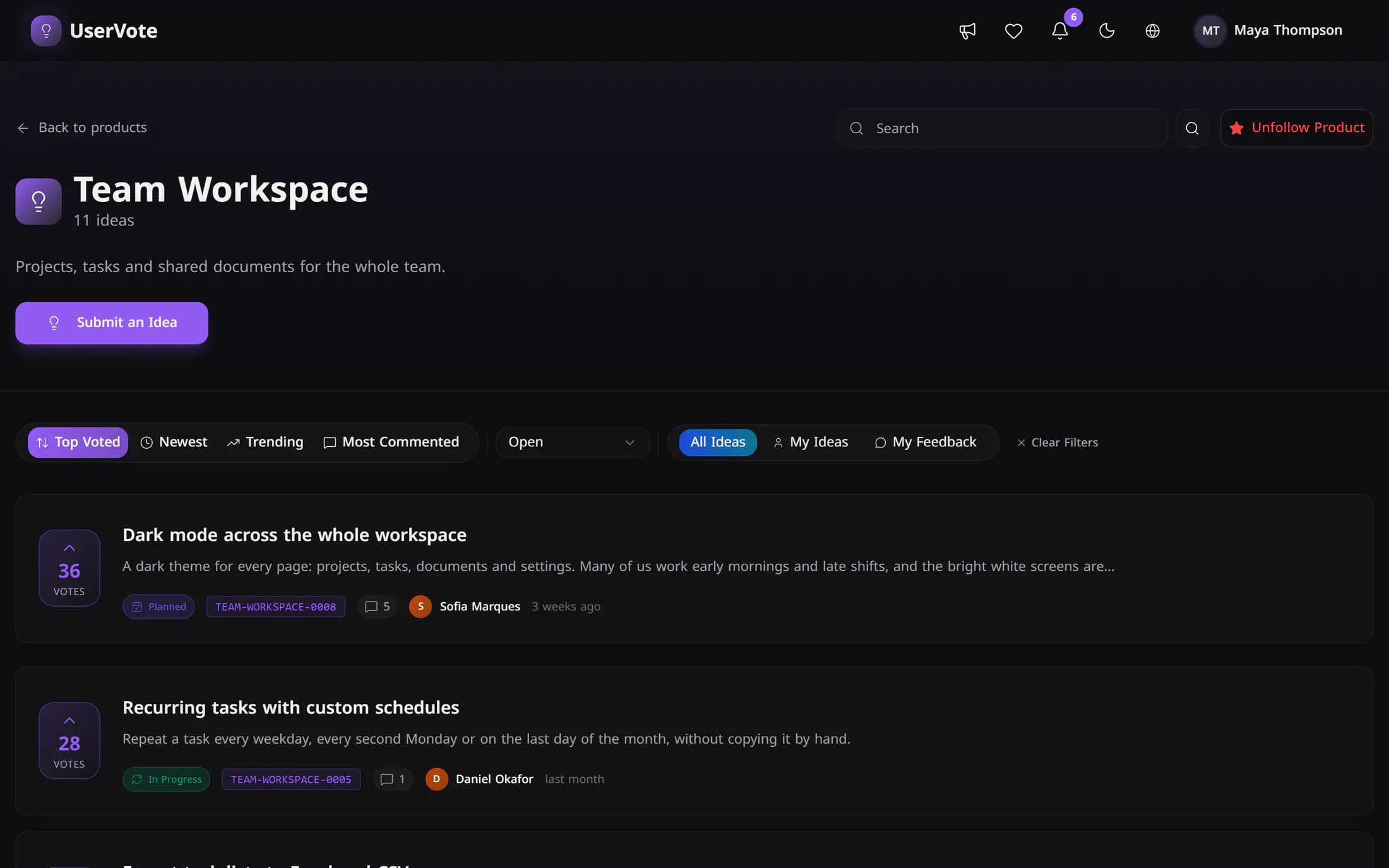
- Prefer it dark? One click.
- Ten languages, with Arabic right to left all the way through.
- Share your first idea today.
Featuring
- Idea boardsone for every product
- Vote creditsyours to spend
- Credits backwhen an idea ships or is declined
- Duplicate checkbefore you post
- Statusesfrom New to Completed
- Commentstext, images and team replies
- Favoritesthe ideas you want to watch
- Notificationsin the app, by email or by push
- My Feedbackeverything you posted, voted on or discussed
- Languagesten, including Arabic
- Dark modeone click away
Have an idea? Share it today.
Open the portal, find your product and post your first idea. It takes a minute.